Map the load
Name your shelves, give pieces clay and glaze labels, and move them until the load is ready.
 Kiln Shelf Log
 connects each piece to its firing, shelf notes and photos, so you can find the details long after the kiln is empty.
Android · Offline · No account required
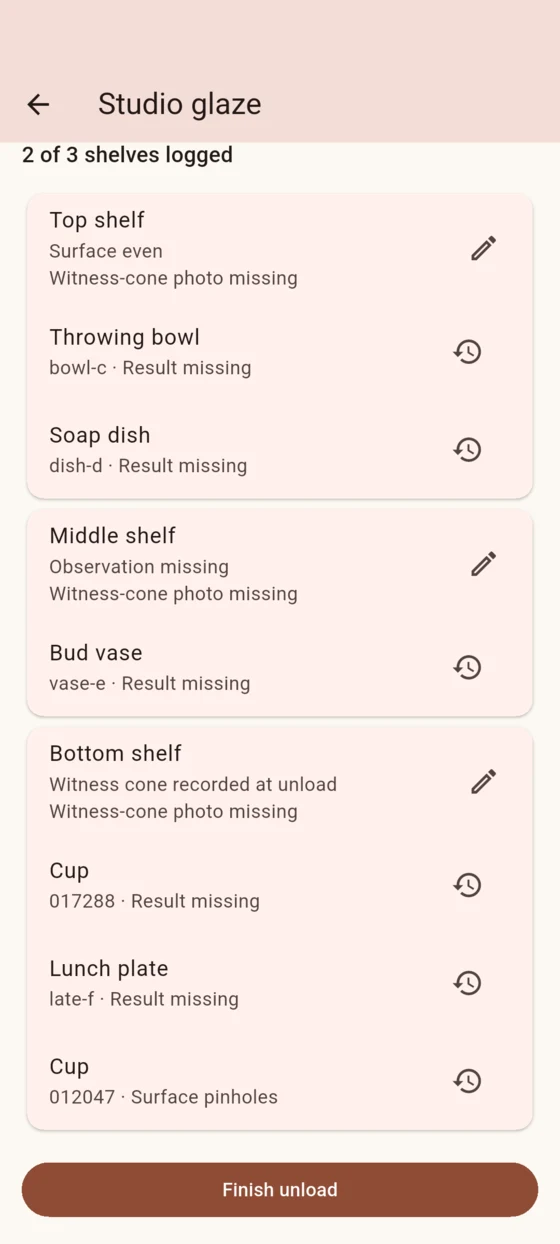
Name your shelves, give pieces clay and glaze labels, and move them until the load is ready.
Attach a shelf note and witness-cone photo once. Add an individual result or photo to any piece.
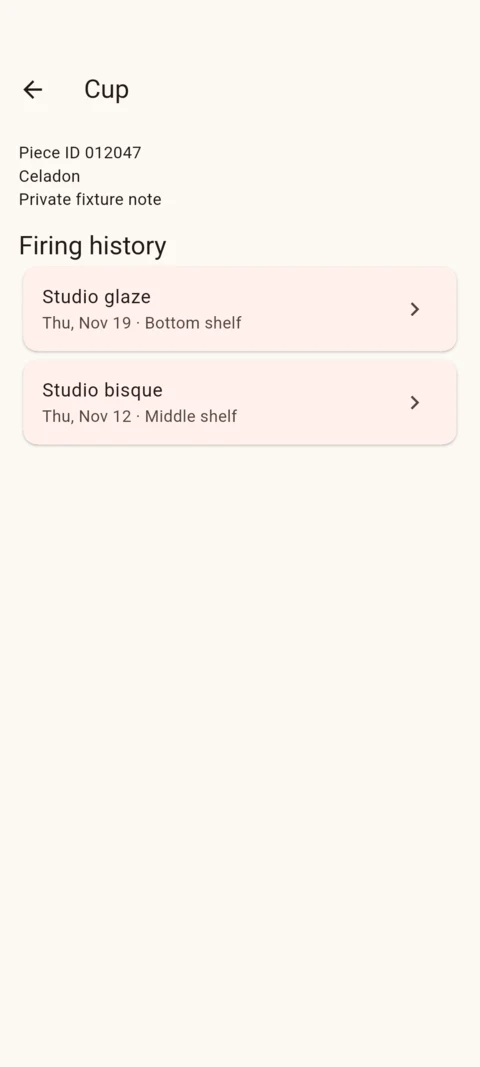
Search by piece, label or firing. Follow the same piece through refirings, even if two pieces share a name.
Print one US Letter sheet to record the load, then connect shelf and piece observations during unloading.
Firing records, single-piece sharing and backup and restore are free. Optional one-time Pro adds shelf layout reuse and selected firing comparisons and reports.